
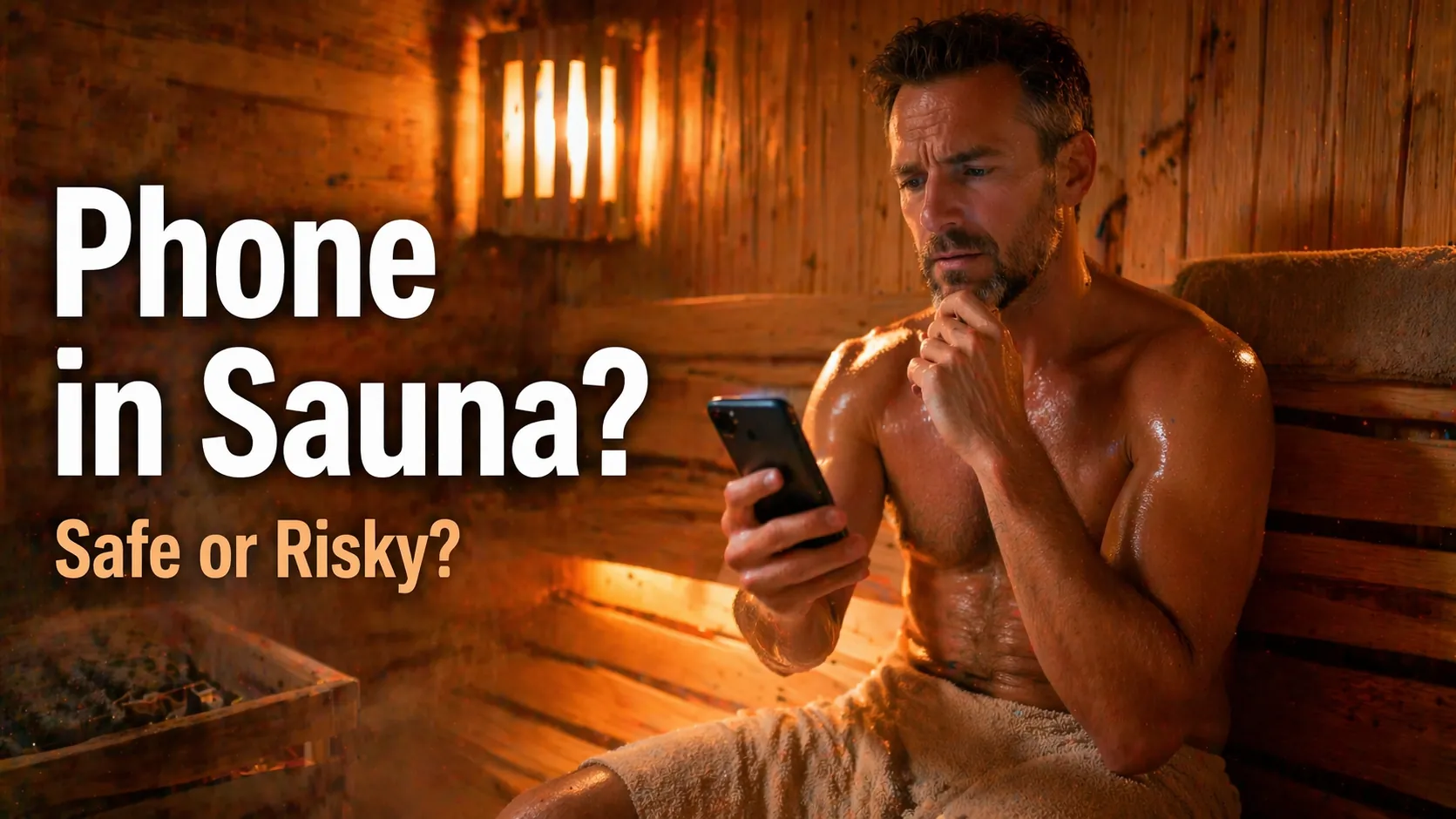
Can You Bring Your Phone in a Sauna? (What Actually Happens + Safer Options)

Can you bring your phone in a sauna? The safer answer is no. A water-resistant phone is not necessarily built to tolerate the heat and changing humidity of a sauna. Apple specifically tells iPhone owners to avoid saunas and steam rooms.
The same caution applies to wrist devices. Google does not recommend wearing Fitbit trackers in saunas or hot tubs, including its water-resistant models. Below, compare the official guidance, learn what to do if a device gets hot, and use a simple system to record a session without bringing electronics inside.
Quick Answer: Should Phones, Fitbits, or Smartwatches Go in a Sauna?
| Device | What is verified | Practical decision |
|---|---|---|
| iPhone | Apple advises against use in a sauna or steam room; normal operating ambient range is 32–95°F (0–35°C). | Leave it outside the hot room. |
| Fitbit Charge 6 | Google advises against Fitbit use in a sauna. Charge 6 wear-time ambient range is 14–113°F (-10–45°C). | Remove it before entering. |
| Fitbit Inspire, Versa, Sense, Luxe and other Fitbit models | Google’s general sauna warning applies despite water-resistance ratings; check each model’s manual for its own limits. | Do not assume a swimproof rating means sauna approval. |
| Apple Watch and other smartwatches | Temperature limits vary by model; for example, most Apple Watch models are designed for 32–95°F (0–35°C) ambient use. | Check the exact model guidance, not the waterproof label. |
These are manufacturer limits or warnings, not a test of how long a device survives a particular sauna. See Apple’s iPhone handling guidance, Google’s Fitbit water-resistance guidance, Google’s Charge 6 safety guide, and Apple Watch temperature guidance. A device remaining powered on during one visit is not proof that repeated exposure is harmless.
Why Sauna Heat and Moisture Are Different From Swimming
Water-resistance ratings describe specified water-exposure conditions; they do not automatically certify electronics for sustained heat, steam, or rapid transitions between hot and cool areas. Sauna temperature and humidity also vary by room, bench height, and whether the sauna is traditional, steam-based, or infrared.
Heat can affect batteries and normal operation
A phone or watch can dim its screen, pause charging, slow down, or shut itself off while trying to manage excess heat. These are protective responses, not signs that using the device in high heat is safe. Heat exposure can also shorten battery life or damage components. Apple describes these behaviors in its official device guidance; Google lists similar possibilities for Charge 6.
Waterproof cases and water-lock modes do not solve a heat problem
A waterproof case, sealed pouch, or water-lock setting may address some water-related situations, but none establishes that the enclosed device or its battery is safe at sauna temperatures. A pouch can even make it harder to recognize overheating. Do not recommend a protective case as permission to bring a phone inside.
Is an infrared sauna different?
Infrared cabins can operate differently from traditional saunas, but a lower-feeling room temperature does not create a blanket exception to a manufacturer’s warning. Check the actual conditions and the exact device limits. Google’s general Fitbit sauna advice does not provide an infrared-sauna exemption.
What Might Happen If You Bring a Phone Into the Sauna?
Apple’s guidance specifically lists sauna and steam-room use among the situations to avoid. It also says that iPhones are designed for ambient use from 32–95°F (0–35°C). Those specifications make the device’s own manual more useful than guessing a “safe” number of minutes.
- The screen may dim or the phone may show a temperature warning.
- Apps or connectivity may become temporarily unavailable.
- Charging may stop until the device has cooled.
- Battery life or internal components may be affected by overheating.
- Moisture exposure, especially when paired with temperature changes, adds another avoidable risk.
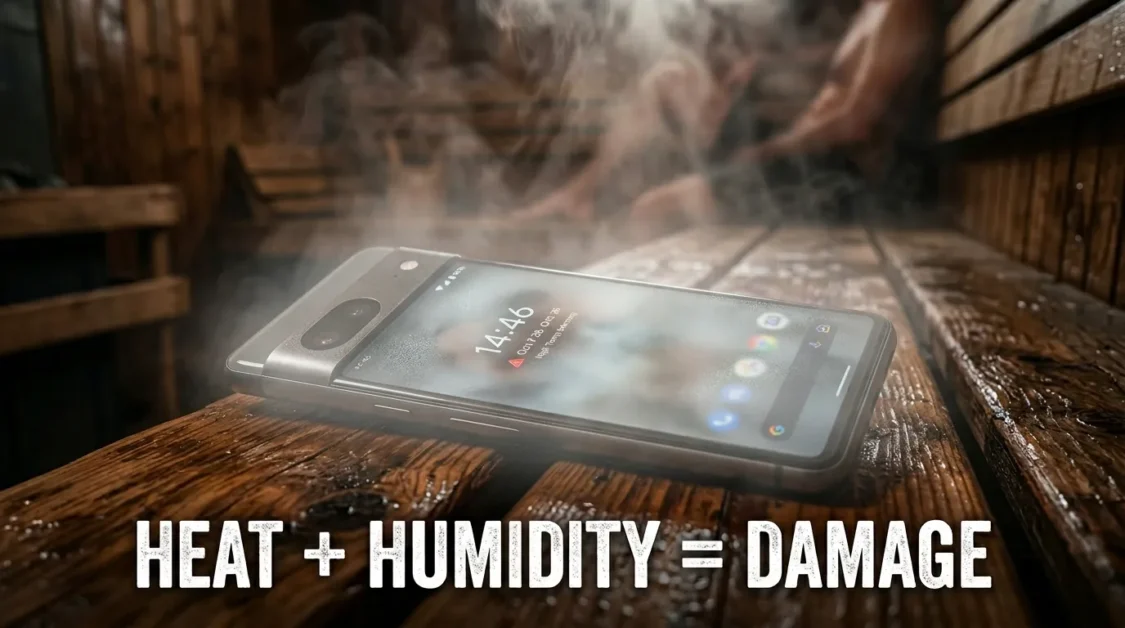
There is no reliable universal “five-minute rule.” A phone placed near a door or under a towel is still inside an environment that may exceed its operating limits. Treat device warnings as a reason to stop using it and move it to a cooler location, not as a normal part of sauna use.
Can You Wear a Fitbit in a Sauna? What Each Model Owner Should Know
Google’s Google’s Fitbit water-resistance guidance states that Fitbit devices should not be worn in saunas or hot tubs. This advice is separate from its water-resistance table, which includes Charge, Inspire, Versa, Sense, and other models. Water resistance to 50 meters does not change the sauna recommendation.
Fitbit Charge 6: a documented heat limit
The Google’s Charge 6 safety guide gives the Charge 6 a wear-time ambient range of 14–113°F (-10–45°C), and warns not to expose it to temperatures above 113°F (45°C). It says excess heat may affect performance or connectivity, stop charging, or cause a shutdown. This is a model-specific specification, not a universal Fitbit specification.
Fitbit Inspire, Versa, Sense and Luxe
Google lists these families among water-resistant devices, but it does not describe that rating as sauna approval. Since exact operating ranges vary between products, use the manual for the particular model instead of assigning Charge 6’s temperature limit to every tracker.
What about tracking heart rate in an infrared sauna?
A heart-rate graph is not worth exceeding the manufacturer’s operating guidance. Also, a fitness tracker has not been validated here as a clinical monitor during heat exposure. If tracking your sauna routine matters, record the session after you leave and use symptoms and comfort, rather than watch numbers, to decide when to stop.
How to Track a Sauna Session Without Wearing a Fitbit
You can maintain a useful record without keeping a battery-powered wearable in the hot room. This is especially helpful if you compare how different sauna setups feel over time.
- Before entering: remove your phone and Fitbit and put them somewhere cool and dry. Make a note of the session start time outside the room.
- Use a simple timer: follow the facility or equipment instructions and consider a sauna-rated sand timer. The sauna sand-timer guide explains why a timer helps with awareness but does not establish a personal medical safety limit.
- Stop based on your condition: if you feel dizzy, faint, nauseated, unusually weak, or otherwise unwell, leave. Do not extend a session to meet a number on a timer.
- After cooling down: note the approximate duration, sauna type, conditions, and how you felt. Log water intake separately if that is helpful.
- Record accurately: Google’s manual activity logging instructions explains manual logging for supported activities. If the current app has no appropriate sauna activity option, keep a separate note rather than mislabeling a passive sauna session as a workout.
Copyable sauna-session tracker
| Date | Sauna type / conditions | Approx. duration | How you felt / when you stopped |
|---|---|---|---|
| ________ | ________ | ________ | ________ |
| ________ | ________ | ________ | ________ |
This tracker is a routine journal, not a device-accuracy test, calorie calculator, or medical assessment. Do not infer a sauna calorie burn or continuous heart-rate trace from a manually entered session.
What to Do If Your Phone or Fitbit Gets Too Hot
- Remove the device from the hot environment. If a watch feels uncomfortably hot on your skin, take it off.
- Stop using or charging the device until it has returned to a normal temperature. Disconnect a charger if one is attached and it is safe to do so.
- Let the device cool naturally in a dry, ventilated area. Do not put it in a freezer, use a hair dryer, or apply another external heat source.
- Check the screen, casing, charging behavior, and any ongoing heat warning before using it again.
- If you notice swelling, smoke, unusual odor, persistent overheating, visible damage, or recurring shutdowns, stop using it and consult the manufacturer’s support or qualified service.
If there was liquid exposure too, follow the device manufacturer’s drying instructions and do not connect charging cables while the device is wet. For specific device procedures, use the official support documentation rather than a generic internet repair trick.
Safer Alternatives for Music, Timing, and Relaxation
- Time: a sauna-suitable wall clock or sand timer, used according to facility and product instructions.
- Music: speakers or playback controls placed outside the sauna, where the equipment stays within its specified operating environment and the facility allows sound.
- Notes: a phone-based journal completed after the session, not while sitting in the heat.
- Public sauna etiquette: leave cameras and phones outside when privacy or facility rules require it. Read the sauna etiquette guide before visiting a shared room.

Do not treat “waterproof” MP3 players, earbuds, Bluetooth speakers, or smartwatches as sauna-safe unless their manufacturer specifically approves the intended heat and humidity exposure. Swimming specifications alone are not enough.
Sauna Safety Matters More Than Device Tracking
A timer or tracker is a convenience, not permission to remain in the heat despite symptoms. Stay attentive to dizziness, nausea, chest discomfort, breathing problems, or unusual weakness, and leave when you feel unwell. For wider guidance, see sauna safety basics.
Your health status, medication, sauna type, and facility guidance may change which precautions apply. Avoid inventing a single time or temperature rule for everyone, and consult a qualified clinician for individual medical concerns.
FAQs
Can I wear my Fitbit Charge 6 in a sauna for just a few minutes?
Google advises against wearing Fitbit devices in saunas. The Charge 6’s documented temperature limits do not establish a safe short sauna session.
Does Fitbit’s 50-meter water resistance mean it can handle steam?
No. The water-resistance rating does not amount to approval for sauna heat or steam; Google’s separate sauna warning still applies.
Is it safe to wear Fitbit Inspire 3 in an infrared sauna?
Do not assume so. Google’s general Fitbit advice does not exempt infrared saunas, and the device’s own manual should guide heat exposure.
Can I use my iPhone inside a waterproof sauna pouch?
A waterproof pouch does not change the iPhone’s operating-temperature guidance. Apple advises against using an iPhone in a sauna or steam room.
Can I add a sauna session to my Fitbit app later?
You may be able to manually log an available activity in Google’s fitness software. If sauna is not offered as an appropriate activity, record the session in your own journal rather than inventing workout metrics.
The Practical Takeaway
Leave the phone and Fitbit outside the sauna. Manufacturer water-resistance claims are not a substitute for heat guidance, and a device staying on during a previous session proves little about future exposure. Use a simple timer, pay attention to how you feel, and note your session details afterward.